
-
Shop by category
Explore all dealsExplore this collection for more finds.
View this find
- Amazon Best Sellers
- Under $25
-
Shop by brand
View all brandsExplore this collection for more finds.
View this find
-
eDeals & offers
Explore all dealsExplore this collection for more finds.
View this find
- Shopping guides
- Compare products Free tool
-
Shop by category
Explore all dealsExplore this collection for more finds.
View this find
- Amazon Best Sellers
- Under $25
-
Shop by brand
View all brandsExplore this collection for more finds.
View this find
-
eDeals & offers
Explore all dealsExplore this collection for more finds.
View this find
- Shopping guides
- Compare products Free tool
THE EVERYDAY EDITTools & Home Improvement
One Kit, Two Kinds of Work: Plan Drilling and Fastening Changeovers
A practical trade-off guide to organizing a mixed drilling-and-fastening job around the separate roles of a hammer drill and impact driver, with checks to make before relying on a cordless combo kit.
Explore the picks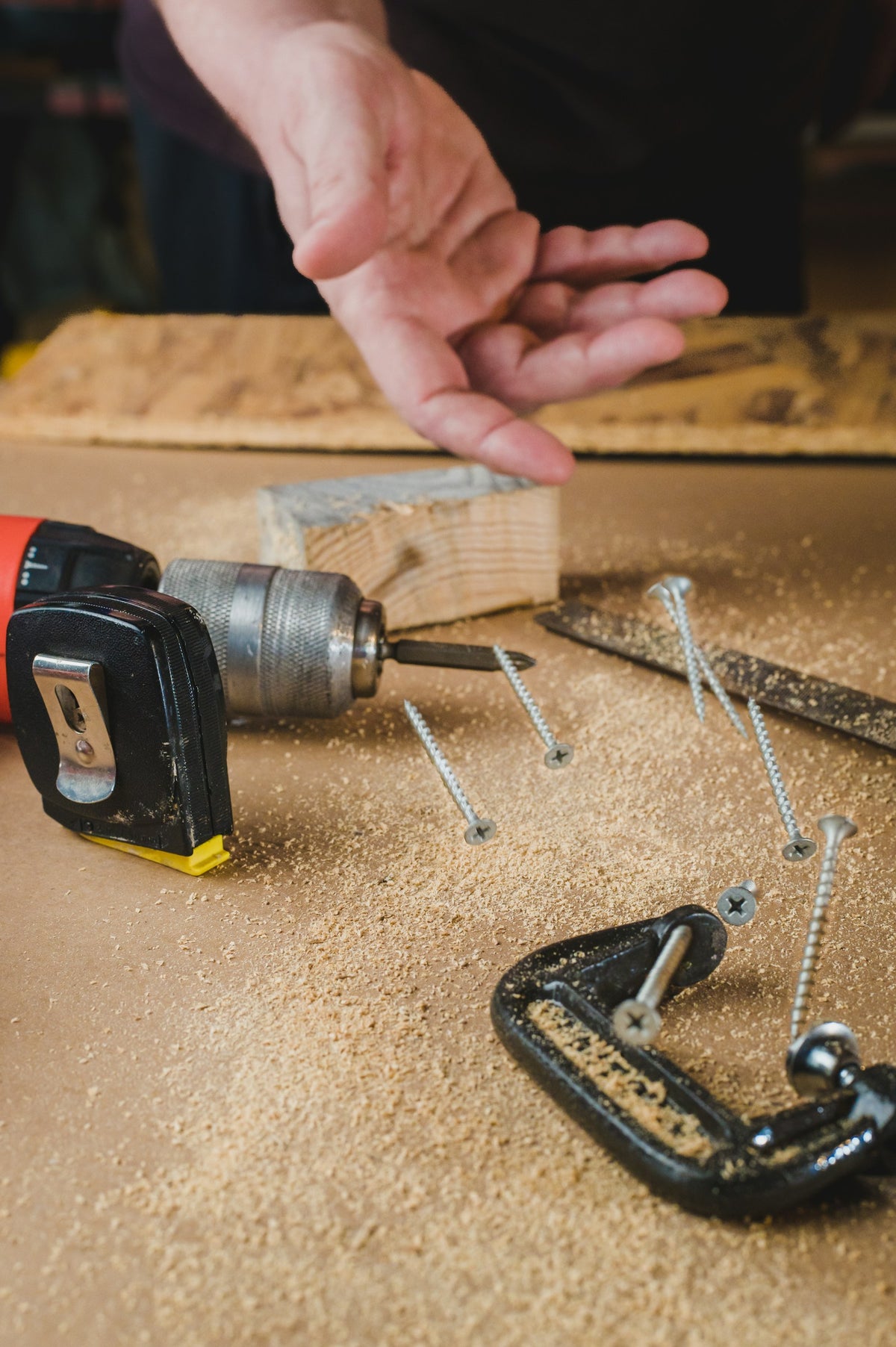
A job that moves between drilling holes and driving screws can be planned as one continuous task—or as two distinct phases. Keeping tools and supplies close may reduce interruptions, while separating stages can make it easier to track bits, fasteners and what remains to be done. The DEWALT DCK250QQ2 listing identifies a hammer drill, an impact driver, two 4Ah POWERPACK batteries and a charger. Use those details to plan your workflow, but check the specific requirements of your materials and accessories before assuming either tool suits a particular operation.
Ad · We may earn a commission. As an Amazon Associate I earn from qualifying purchases.
Start by separating hole-making from fastening
For a project that needs pilot holes followed by screws, consider grouping the work into a drilling pass and a fastening pass. This makes it easier to notice which holes are complete before you begin driving fasteners. The listing describes the DCD806 as a hammer drill and the DCF845 as an impact driver; treat those as different tool roles, not as proof that either is appropriate for every material or fastener. Check the instructions for your project and the requirements of the bit or fastener.
Fast switching or fewer tool changes?
Keeping drilling and driving stages distinct can mean less swapping between tasks, but it also means preparing and tracking two sets of accessories. A single-tool workflow may feel simpler if the job has only a few holes or fasteners; a two-stage plan may be easier to follow when the steps repeat. Before starting, assign a place for drill bits, driver bits and fasteners, and mark which locations are finished. That organization—not a promised speed advantage—is the practical benefit to weigh.
Control versus pace in the drilling stage
The listing gives the DCD806 a two-setting, variable-speed transmission, with no-load speeds of 0–650 and 0–2,000 rpm, and describes it as a hammer drill. Those specifications can inform your planning, but they do not establish the correct setting for your material or bit. Check the tool and accessory instructions, then decide whether your task calls for careful starts or a different approach. A slower pace can make a sequence easier to monitor; moving quickly between holes may matter more when the work is repetitive. Let the job requirements decide.
Torque claims versus fastener fit
The DCF845 listing states 1,825 in-lbs of torque and 3,400 RPM, and says its brushless motor drives large-diameter screws. Those figures are specifications, not a guarantee of fit for a particular screw, material or joint. Weigh the convenience of an impact driver for a fastening stage against the need to confirm that the fastener and tool are suitable for the application. If the job involves a mix of small and large fasteners, sort them by location and check the relevant instructions before driving.
Two batteries: continuity or shared responsibility?
The kit includes two 20V MAX XR POWERPACK 4Ah batteries and a charger, according to the supplied listing. Having two batteries may help you plan a handoff between work and charging, but the listing does not specify runtime for your tasks. Decide whether one battery will be assigned to each tool or whether you will rotate them, and keep track of which is charging. Check battery and charger compatibility details before purchase, especially if you already own cordless tools.
Before you decide
- List the drilling and fastening steps before unpacking accessories.
- Check project instructions and bit or fastener requirements for each material.
- Set separate, easy-to-identify places for drill bits, driver bits and fasteners.
- Choose a battery handoff plan without assuming a particular runtime.
- Confirm tool, battery and charger compatibility for your setup.
A relevant item to explore

DEWALT 20V MAX XR Impact Driver and Hammer Drill Cordless Power Tool Combo Kit, Includes 2 x 4ah POWERPACK Batteries and a Charger (DCK250QQ2)
The product is relevant because its supplied listing describes a two-tool cordless kit containing a hammer drill, an impact driver, two 4Ah batteries and a charger. Those details support planning a drilling-and-fastening workflow; they do not establish suitability for a particular project or material.
View the exact item and current retailer offer →
Check the exact variant, seller, included pieces, care instructions and current terms. Purchases and checkout take place with the retailer.
Common questions
Does the listing establish that the hammer drill is right for every hole?
No. It identifies the DCD806 as a hammer drill and provides speed information, but suitability depends on the task, material and accessory. Check the applicable instructions.
Does the kit listing promise a specific amount of work per battery?
No. It lists two 4Ah batteries and a charger but does not state runtime. Plan for charging without assuming how long either battery will last.
Explore this subject
Prepared by Biz E-Deals using product listing information and general shopping considerations. We have not personally tested the item. Listing information can change; confirm details with the retailer.
Lifestyle context photo: Photo by Chris Briggs on Unsplash. The pictured setting and items illustrate the topic; exact featured products are shown separately in this guide.
Your next useful read
Explore shopping guides →
Tools & Home Improvement
How to Plan a Large-Hole Job With a Cordless Hammer Drill
A practical sequence for matching the hole, material, bit and drill setup before you begin—and deciding when the task calls for a hammer drill.
Read the guide
Tools & Home Improvement
Tight Corner or Open Reach? Planning a Right-Angle Drill Job
A right-angle drill changes how you approach confined work, but access is only half the decision. Plan around clearance, control, clutch use and th...
Read the guide
Tools & Home Improvement
Household Drill Kit Mistakes: Stage the Job Before You Start
Avoid the small planning errors that turn a simple household repair into repeated searches for bits, tools, or charging details. Use a task list, a...
Read the guideThe Biz E-Deals edit
Good finds. A little less searching.
Choose your email topics, start with our welcome guide, and join the list for upcoming curated editions.
Savings explained
More to discover
Choose my emails
Choose your email topics on the next page, then confirm in your inbox. Free and optional. No account needed. Privacy policy