
-
Shop by category
Explore all dealsExplore this collection for more finds.
View this find
- Amazon Best Sellers
- Under $25
-
Shop by brand
View all brandsExplore this collection for more finds.
View this find
-
eDeals & offers
Explore all dealsExplore this collection for more finds.
View this find
- Shopping guides
- Compare products Free tool
-
Shop by category
Explore all dealsExplore this collection for more finds.
View this find
- Amazon Best Sellers
- Under $25
-
Shop by brand
View all brandsExplore this collection for more finds.
View this find
-
eDeals & offers
Explore all dealsExplore this collection for more finds.
View this find
- Shopping guides
- Compare products Free tool
THE EVERYDAY EDITToys & Games
A Small Build Upgrade: Leave a Model Card for the Next Builder
A compact model card can turn a finished disc build into something another person can understand and continue. Capture its identity, known parts details, a few construction stages and one clear next step.
Explore the picks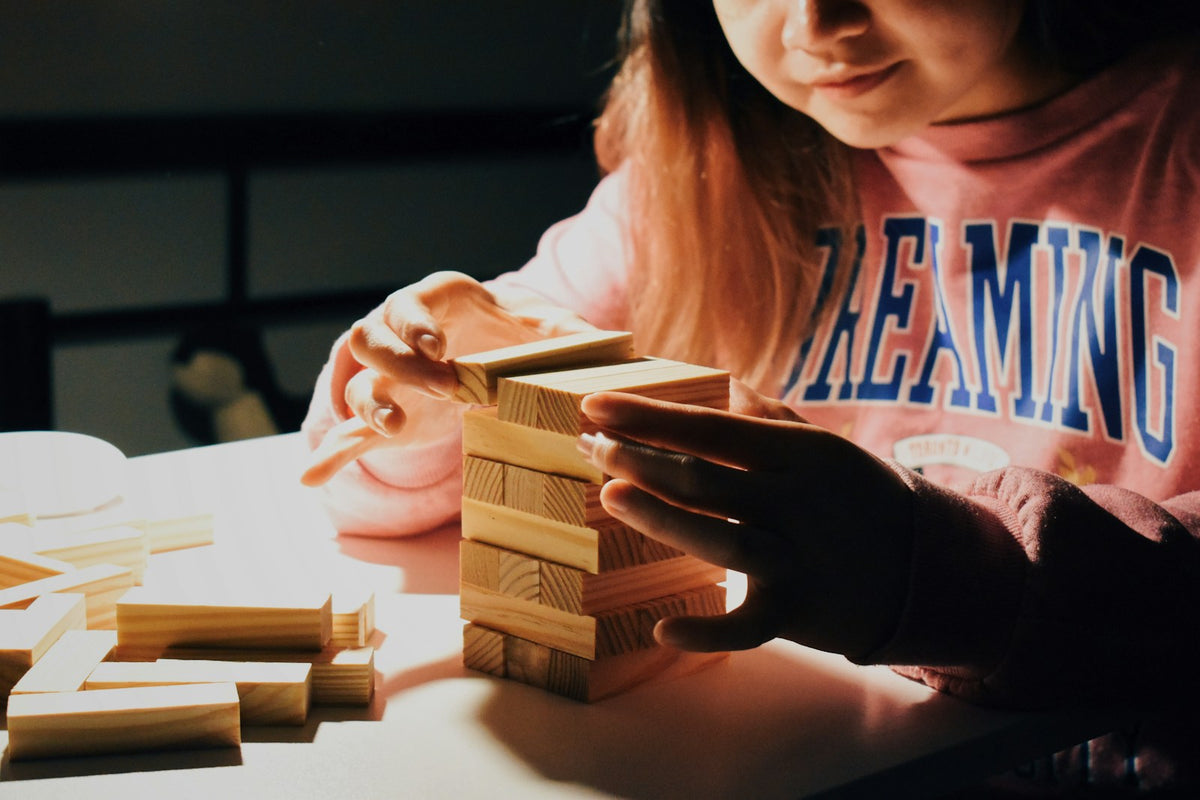
A finished model can be easy to recognize when its maker is nearby—and puzzling once that person has left. A small upgrade to the build routine is to leave a model card: a brief record that explains what the creation is and how to pick up the work. It need not document every connection. The goal is to replace the explanations you would otherwise have to give from memory.
Ad · We may earn a commission. As an Amazon Associate I earn from qualifying purchases.
Give the model an identity, not just a label
Choose a name that distinguishes the creation from other projects, then note what it is for. For example: “disc-flake flower — tabletop display.” That gives a helper more to work with than “my build” or “the one on the shelf.” Add approximate dimensions only if they help someone recognize or place it; if you have not measured, leave them out rather than making the card look more precise than it is.
Make the parts note honest and selective
Record details that help someone orient themselves, not an inventory for its own sake. With a multicolored disc build, you might list the colors you can identify and mark the count “not recorded.” If you do count parts, say whether the number covers the whole model or only a section. Brain Flakes is described as a set of 500+ discs in 12 colors, but that set information does not tell a helper how many discs went into your particular creation.
Capture the change between stages
A single finished-model image shows the result, but may not show how it was assembled. Take a few photos or make simple sketches at useful pauses: the starting shape, a later stage, and the finished form. Label each in order. If a new section covers an earlier connection, add a brief arrow or note showing what was attached between images. For instance, write “added upper section” beneath the second view instead of expecting the picture sequence to explain itself.
Replace “finish this” with a handoff
Decide what you want the next person to do: preserve the model, extend it, or take it apart for another build. Then identify the exact point they should use. “Continue from stage 2; the last image shows the current model” gives a clear starting place; “finish this” leaves both the task and the stopping point open to interpretation. The product description says the set’s idea booklet includes instructions for three named builds. A personal model card serves a different purpose: recording the state and next step of your own creation.
Before you decide
- Name the build and state its purpose.
- Write down known details; label unknown counts instead of guessing.
- Order a few stage photos or sketches.
- Give the next builder one specific task and starting point.
A relevant item to explore

Brain Flakes 500 Piece Set, Ages 3+, Interlocking Plastic Disc Toy for Creative Building, Educational STEM Learning, Construction Block Play for Kids, Teens, Adults, Boys, and Girls
Brain Flakes is described as a set with 500+ discs in 12 colors and an idea booklet with instructions for three builds. Those details make it a relevant example for recording a disc-based creation; the article does not suggest the set includes documentation tools or that photos alone guarantee a rebuild.
View the exact item and current retailer offer →
Check the exact variant, seller, included pieces, care instructions and current terms. Purchases and checkout take place with the retailer.
Common questions
What if the model changes after I make the card?
Add a dated note or a new stage image instead of silently replacing the earlier record. That helps the next person tell which view matches the model as it currently stands.
Where should I keep the model card?
Keep the note and its images together in a place the next builder can find, and point to that location in the handoff. A clear reference matters more than a particular format.
Explore this subject
Prepared by Biz E-Deals using product listing information and general shopping considerations. We have not personally tested the item. Listing information can change; confirm details with the retailer.
Lifestyle context photo: Photo by Our Life in Pixels on Unsplash. The pictured setting and items illustrate the topic; exact featured products are shown separately in this guide.
Your next useful read
Explore shopping guides →
Toys & Games
WWII Tank Building Sets: 4 History-Learning Mistakes to Avoid
A themed tank-building set can spark useful questions, but its description and pretend battles are not historical evidence. Use four simple habits ...
Read the guide
Toys & Games
How to Resolve a Sorry! Rules Dispute and Keep Playing
A practical turn-by-turn method for sorting out disputed moves, keeping decisions fair, and returning to family play without turning a rules questi...
Read the guide
Toys & Games
A Tiny Menu, Three Rebuilds: Turn Food Builds Into a Story Routine
A simple pretend-menu routine can give a food-themed building session a clear beginning, middle and reset. Use one model as the starting point, let...
Read the guideThe Biz E-Deals edit
Good finds. A little less searching.
Choose your email topics, start with our welcome guide, and join the list for upcoming curated editions.
Savings explained
More to discover
Choose my emails
Choose your email topics on the next page, then confirm in your inbox. Free and optional. No account needed. Privacy policy