
-
Shop by category
Explore all dealsExplore this collection for more finds.
View this find
- Amazon Best Sellers
- Under $25
-
Shop by brand
View all brandsExplore this collection for more finds.
View this find
-
eDeals & offers
Explore all dealsExplore this collection for more finds.
View this find
- Shopping guides
- Compare products Free tool
-
Shop by category
Explore all dealsExplore this collection for more finds.
View this find
- Amazon Best Sellers
- Under $25
-
Shop by brand
View all brandsExplore this collection for more finds.
View this find
-
eDeals & offers
Explore all dealsExplore this collection for more finds.
View this find
- Shopping guides
- Compare products Free tool
THE EVERYDAY EDITTech & Accessories
Plan a Two-Device Earbud Handoff Before Your First Call
A practical rehearsal plan for figuring out how earbuds behave with two connected devices and preparing a call fallback.
Explore the picks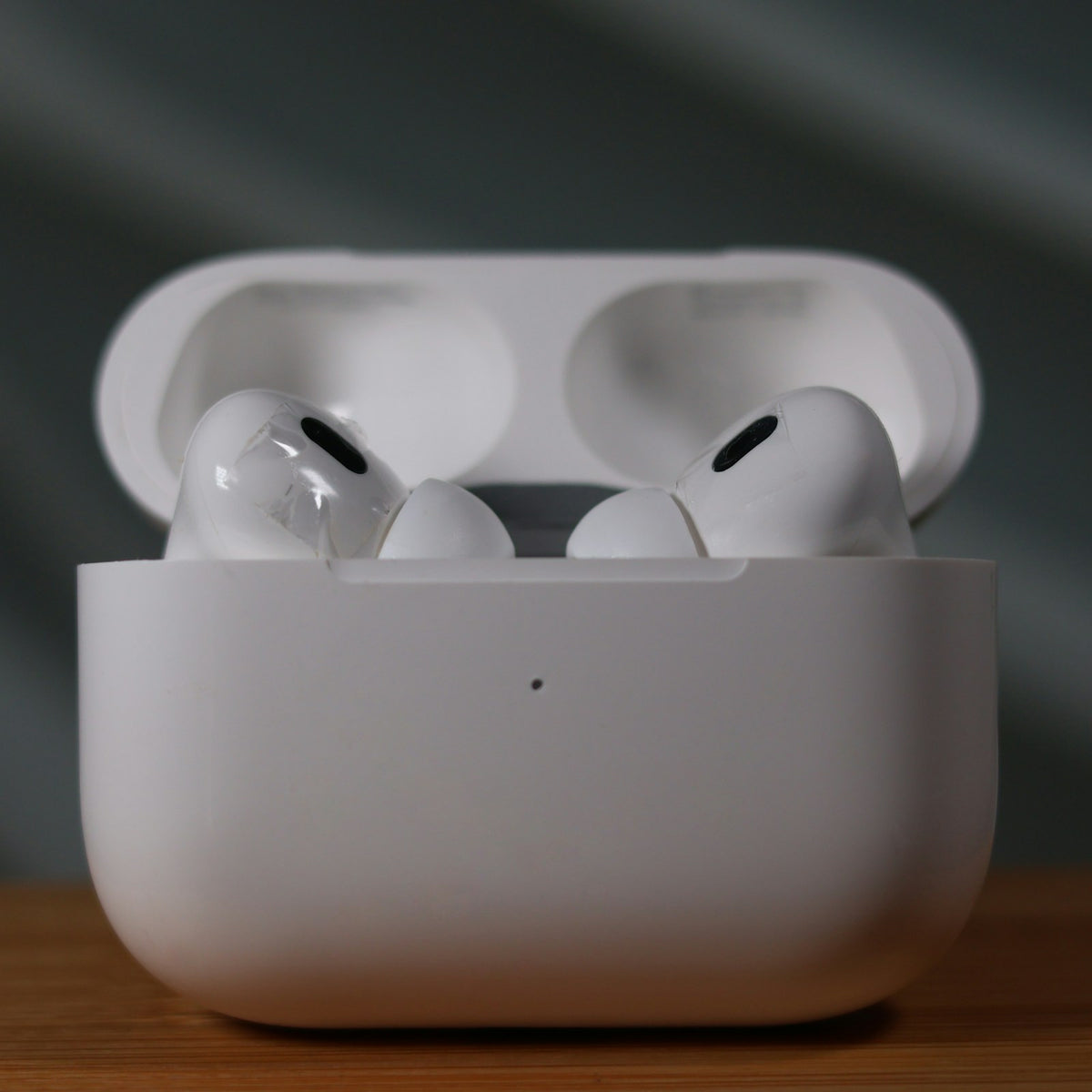
A meeting is starting, your laptop is playing audio, and your phone rings. If your earbuds are connected to both, it may not be obvious which device will provide sound—or what you need to do to change it. Rather than discover the answer during an important call, rehearse a simple handoff while the stakes are low. The goal is not to assume that switching works a particular way; it is to learn what happens with your own devices and have another way to continue if needed.
Ad · We may earn a commission. As an Amazon Associate I earn from qualifying purchases.
1. Assign each device a clear role
Choose the two devices you actually expect to use, then name each one by its job. For example, write “laptop: meeting audio” and “phone: calls,” rather than leaving yourself to remember which is which. If you sometimes use the laptop for music and sometimes for meetings, start with the more important or frequent situation; you can test another scenario later. This keeps the first rehearsal focused on a real task instead of trying to predict every possible combination.
2. Choose a low-stakes handoff to test
Find a moment when you can experiment without interrupting a live conversation or losing something important. With both devices available, play audio on the laptop, then start a test sound on the phone. Notice which audio you hear and whether anything changes on either device. If the result is unclear, repeat the sequence once under the same conditions before drawing a conclusion. A brief, repeatable test gives you a useful observation without making an assumption about how the earbuds should behave.
3. Record the result as a sequence
Write down what happened in order, including any action you took—not what you expected to happen. For example: “Laptop audio was playing; when phone audio started, I heard ____. To return to laptop audio, I ____.” Leave a blank if you have not tested the return step. If a call behaves differently from a test sound, add that as a separate observation later rather than treating one result as proof of the other. A short sequence is more useful than a vague note such as “switching works.”
4. Decide what you will do if a call misses the earbuds
Before the next scheduled call, choose a fallback that does not depend on an unverified earbud switch. If the call does not come through the earbuds, use an audio option available on the phone for that call, then investigate the earbud handoff afterward. For a meeting, you might also decide in advance whether to continue using the laptop’s available audio option. The important point is to have a next step that lets the conversation continue, rather than troubleshooting the connection while someone waits.
5. Rehearse the situation that matters most
Once you know what happened in the basic test, try the specific order you expect in daily use. Someone who usually listens on a laptop before answering phone calls can start there; someone who takes a call first and resumes laptop audio afterward can rehearse that direction instead. Keep the two cases separate in your notes if their results differ. This turns a general multipoint feature into a plan for your own routine, while leaving room to update the plan if your devices behave differently next time.
Before you decide
- Name each device by its intended job.
- Test audio on the second device when no call is at risk.
- Record what you heard and what action changed it.
- Choose a phone or meeting-audio fallback before a real call.
A relevant item to explore

Sony WF-C510 Truly Wireless Bluetooth Earbud Headphones, Black | Comfortable & Compact Fit, Up to 22 Hours of Battery, Multipoint Connection, Ambient Sound Mode. IPX4 Water Resistant
The supplied description for the Sony WF-C510 says it supports multipoint connection and can switch between two devices. That makes a two-device handoff rehearsal relevant, but the description does not establish a particular switching sequence for an individual setup.
View the exact item and current retailer offer →
Check the exact variant, seller, included pieces, care instructions and current terms. Purchases and checkout take place with the retailer.
Common questions
Should I expect music playback and a phone call to switch in exactly the same way?
Do not assume they will. Test the type of audio you care about, and record call behavior separately from a playback test if you need to know both.
What should I do if the earbuds behave differently on another day?
Treat the new result as a separate observation. Note the device order and what happened, then use your fallback for any important call until you have a repeatable plan.
Explore this subject
Prepared by Biz E-Deals using product listing information and general shopping considerations. We have not personally tested the item. Listing information can change; confirm details with the retailer.
Lifestyle context photo: Photo by Ali Kanjarawi on Unsplash. The pictured setting and items illustrate the topic; exact featured products are shown separately in this guide.
Your next useful read
Explore shopping guides →
Tech & Accessories
Multi-Speaker Plans: 4 Linking Mistakes to Avoid
A practical plan for choosing a multi-speaker goal, confirming compatibility, and coordinating who brings what.
Read the guide
Tech & Accessories
Missing Earbud? Avoid These Recovery-Record Mistakes
A simple way to record earbud identity, keep purchase information findable, and avoid assuming a locating feature will work in every situation.
Read the guide
Tech & Accessories
A Small Charging Troubleshooting Upgrade: Change One Part at a Time
Turn a vague charging problem into a repeatable sequence of comparisons, changing one part at a time and keeping a useful record of the results.
Read the guideThe Biz E-Deals edit
Good finds. A little less searching.
Choose your email topics, start with our welcome guide, and join the list for upcoming curated editions.
Savings explained
More to discover
Choose my emails
Choose your email topics on the next page, then confirm in your inbox. Free and optional. No account needed. Privacy policy